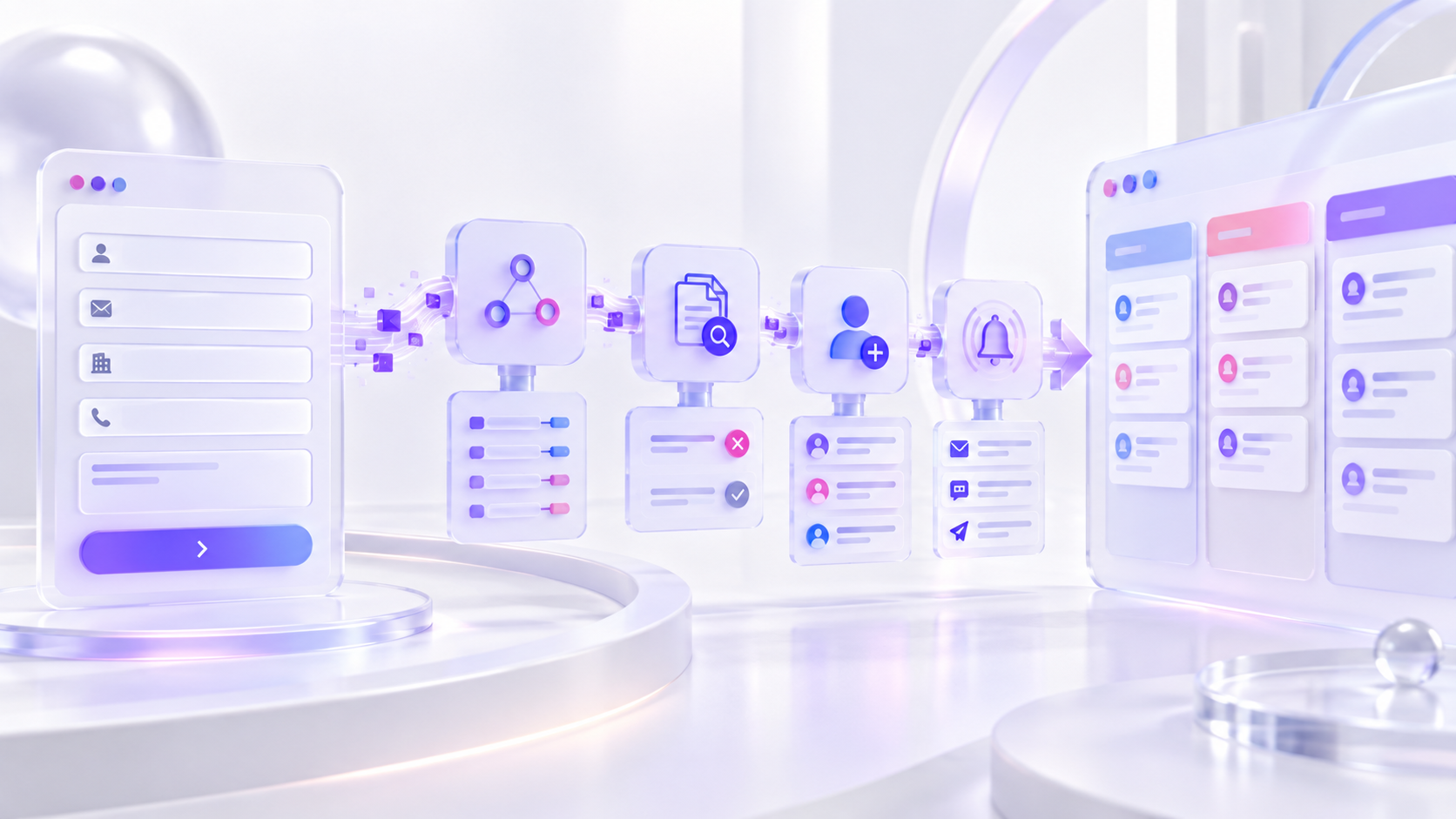
A website form can display a success message while the CRM record fails, arrives incomplete or sits without an owner. The failure usually happens in a handoff: validation, consent, mapping, integration, deduplication, routing, notification or response.
The right solution is an observable lead system. Every valid submission receives an identifier, creates or updates the intended record, records its source, assigns responsibility and triggers a time-bound next step.
This guide covers the operational path. For wider CRM planning—data model, lifecycle stages, governance and adoption—use the CRM implementation guide.
Draw the complete submit-to-response workflow
Start with the user action and continue beyond the CRM. Document what happens when the form is valid, invalid, duplicated, suspicious, high-value or submitted outside business hours.
Give each step an owner and expected outcome. The website team owns capture, the system owner owns integration health and sales or service teams own response—but the handoffs need one shared definition.
Minimum workflow
A thank-you message confirms receipt to the visitor; it does not confirm successful CRM processing.
Define the CRM record and required fields
Decide whether the form creates a lead, contact, company, deal or a combination. Keep public forms short, then enrich records behind the scenes with page URL, campaign parameters, referrer, form name, language and timestamp.
Mark fields as required only when they are genuinely necessary at that stage. Overlong forms reduce completion; under-specified mappings create records that cannot be routed or understood.
Field groups to map
Name, email, phone and company.
Service, budget, timeframe and message.
Landing page, form, UTM values and referrer.
Choose a connection method with a failure path
Native connectors are quick to maintain, automation platforms provide flexible logic, and direct API integrations offer the most control. Select based on volume, data sensitivity, transformation needs and the team that will support it.
Whatever the method, define retries, error logging and an alert when delivery fails. Email-only delivery is fragile; use it as a notification or fallback, not the system of record.
Connection options
- Native Tilda or CRM connector for standard mappings
- Automation platform for multi-step workflows
- Webhook for event delivery and flexible routing
- Direct API for complex logic and higher control
- Server-side queue for critical or high-volume capture
Control duplicates without overwriting good data
Choose the record-matching key—usually normalized email, phone or a CRM-specific external ID. Decide what a repeat submission should update and what should remain in the activity history.
Do not silently replace verified information with empty or lower-quality fields. Preserve the original source and store later touchpoints so marketing and sales can understand the complete journey.
Deduplication decisions
Route every qualified lead to a named owner
Routing can depend on service, territory, language, account ownership, availability or deal value. Keep the first version understandable and document exceptions.
Set a fallback queue when a rule cannot assign the record. A lead without an owner is not a workflow edge case; it is a predictable revenue leak. Explore CRM and business systems if the routing model needs redesign.
Routing controls
- Named owner or queue
- Response-time target
- Fallback for unassigned records
- Out-of-hours handling
- Escalation when no activity occurs
- Reassignment during absence
Separate customer confirmation from internal alerts
Send the visitor a clear confirmation that explains what happens next. Send the owner a task or CRM notification containing the information needed to respond—not only a copy of the form email.
Avoid exposing private form data in broad email channels. Use role-based CRM access, limit notification content and define retention according to the markets and data types involved.
Useful notification design
Test happy paths, edge cases and outages
Create a repeatable test plan and use identifiable test values. Check the browser success state, CRM record, field mapping, owner, notification, activity history and reporting source.
Test missing optional fields, duplicate contacts, unusual characters, mobile submission, spam, integration downtime and a disabled owner. Keep screenshots or record IDs as evidence before publishing changes.
Acceptance checklist
Monitor the funnel and improve response quality
Track submissions, accepted records, duplicates, integration failures, assigned leads, first responses, qualified opportunities and outcomes. A gap between any two stages shows where investigation should start.
Review the workflow after form, CRM or automation changes. For broader prioritisation, use the business automation audit; for AI-assisted processes, see AI automation for business.
Operational dashboard
- Submission-to-CRM success rate
- Unassigned lead count
- Median first-response time
- Duplicate rate
- Qualified lead rate by form and source
- Failure alerts resolved within target
Make every lead traceable from click to outcome
A reliable integration is a managed workflow, not a one-time connection. The business should be able to identify each submission, see its current state and know who owns the next action.
Begin with one high-value form, map every handoff, create a failure alert and run the full test plan. Once that path is dependable, extend the pattern to the rest of the website.
Frequently asked questions
Why are website form leads missing from the CRM?
Why are website form leads missing from the CRM?
Common causes include expired credentials, changed field IDs, validation failures, webhook errors, duplicate rules, rate limits and routing logic. Check integration logs and submit a controlled test before changing the form.
Should a website form create a lead, contact or deal?
Should a website form create a lead, contact or deal?
It depends on the CRM model and qualification process. Low-intent enquiries often begin as leads; known accounts may update contacts and create activities; high-intent requests may create a deal after basic validation.
Is email notification enough for lead capture?
Is email notification enough for lead capture?
No. Email can alert a person, but it is difficult to audit, assign, deduplicate and report. Store the record in the CRM and use email or messaging as a supporting notification.
How often should the integration be tested?
How often should the integration be tested?
Test after changes to forms, fields, CRM permissions, automation rules or website publishing. Also run a scheduled end-to-end test and monitor failure rates continuously.